Frequently accessed pages
Monday, August 4, 2014
Should I run 64-bit or 32-bit Java for Minecraft?
A common question amongst Minecrafters is if they should run 64 bit Java or 32 bit Java. The short answer is that you should run 64 bit Java whenever possible. This is because of a number of reasons. Running a 32 bit version of Java limits you to only be able to use a maximum of 4 GB of memory and runs slower which is especially noticeable when rendering the world in Minecraft. 64 bit Java on the other hand allows you to access 17.2 billion GB of memory so Java won't hinder your ability to use super RAM intensive programs such as an instance of heavily modded Minecraft. Although 64 bit computers running 64 bit operating systems can run 32 bit applications, 32 bit computers can not run 64 bit applications.
Friday, July 18, 2014
Minecraft Forge now avalible for Minecraft 1.7.10!
Minecraft Forge has finally been updated for Minecraft 1.7.10. You can download it now. Note that it will take some time for us to update all our pages featuring mods for previous versions. Feel free to notify us of any out of date pages.
More details about it can be found on here on the Minecraft Forge forum.
Friday, July 4, 2014
Finally Bukkit is now updated for Minecraft 1.7.9
Good news - Bukkit has finally been updated for Minecraft 1.7.9. Be cautious, though. This is a development build so there may be unforeseen issues and there will very likely be comparability issues with some plugins.
Here is the post from their forum on the new release:
Get the latest development build here
Here is the post from their forum on the new release:
A new CraftBukkit for Minecraft 1.7.9 DEVELOPMENT build is now available!
As of this post, we've shifted development over to Minecraft 1.7.9 compatibility and now have development builds available. We strongly suggest that you only use this build if you would like to help us get a Beta build out sooner and are experienced with using unsupported development builds.
Minecraft 1.7.6+ contains important changes to enable support for the upcoming switch to UUIDs and name changing. We strongly recommend you read our previous article on the switch to UUIDs to help you understand what it means for servers and how to prepare for Mojang allowing name changes by Minecraft 1.8.
WARNING: Minecraft 1.7.9 is an update that requires clients to update before being able to connect. This means that players will not be able to connect to your server if they have not updated to at least Minecraft 1.7.6.
Will plugins break with this build? Minecraft 1.7 is one of the most involved updates to date, with Mojang having touched a reported ~220k+ lines of code. As a result, a significant amount of the code base has shifted making it difficult to ensure any stability with regards to our API. That being said, it is difficult to determine if plugins will be breaking with our 1.7.x update and the state of the API in our earlier development builds should NOT be relied upon in any way.
What is a Development Build? A Development build is provided AS IS and COMPLETELY UNSUPPORTED. You should only be running these builds if you are completely aware of how to properly make use of them. Support requests of ANY KIND will be removed without warning. If you have to ask where or how to get the development build, you should NOT be running it and posts of that nature will be deleted.
Known Issues: None
Get the latest development build here
Sunday, June 29, 2014
Best utility mods for Minecraft in 2014
There are many occasions where I have been in Minecraft and wanted additional usability. For instance, I am one of those people that likes to explore the World of Minecraftia and ends up losing the location of their house. I am also one of those people that doesn't remeber all the crafting recipes for the incredibly large amounts of mods. Being that I frequently have a large amount of mods installed, I also sometimes can't tell what mod a block or item is from. Additionally, I am frequently trying to build really big structures in creative mode but I am not fond of placing each blog individually. I have rounded up a list of some of mods which I use to solve these issues. I don't have these mods listed in much of a particular order.
Labels:
1.7,
1.7.2,
1.7.5,
1.7.9,
bspkrs,
damage indicators,
minimap,
nei,
nei addons,
nei plugins,
not enough items,
openeye,
optifine,
tmi,
too many items,
voxelmap,
worldedit,
worldeditwrapper
Thursday, June 12, 2014
LiteLoader for Minecraft 1.7.10, 1.7.2, 1.6.4, 1.6.2, 1.5.2
What is LiteLoader?
LiteLoader is a lightweight mod bootstrap for Minecraft mods that don't change or modify the game mechanics of Minecraft. It is can be used alongside Minecraft Forge and Forge Mod Loader. Mods for LiteLoader practically never conflict with Forge mods.
Click to download LiteLoader
Friday, May 30, 2014
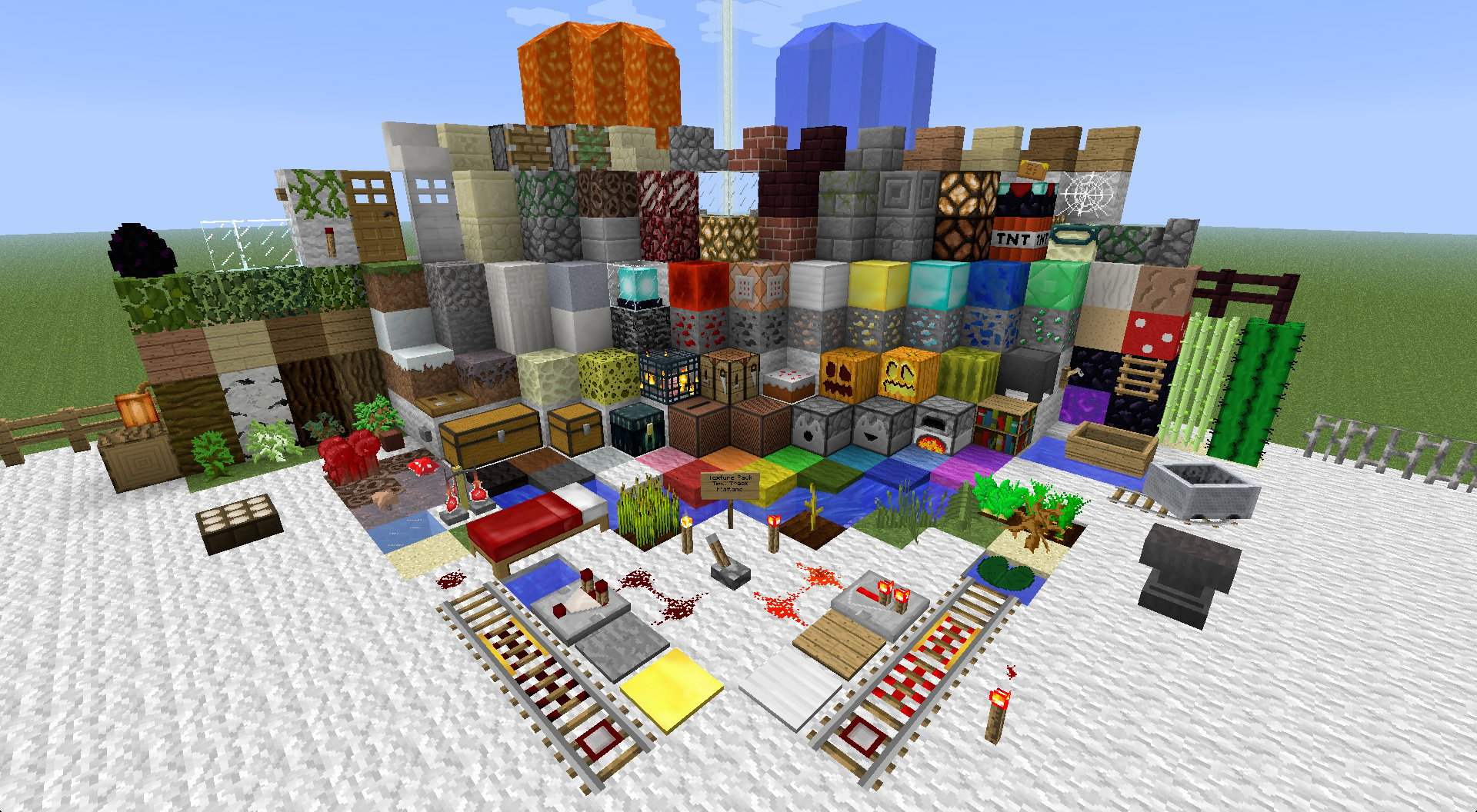
Faithful 32x32 Resource Pack for Minecraft 1.6 and 1.7
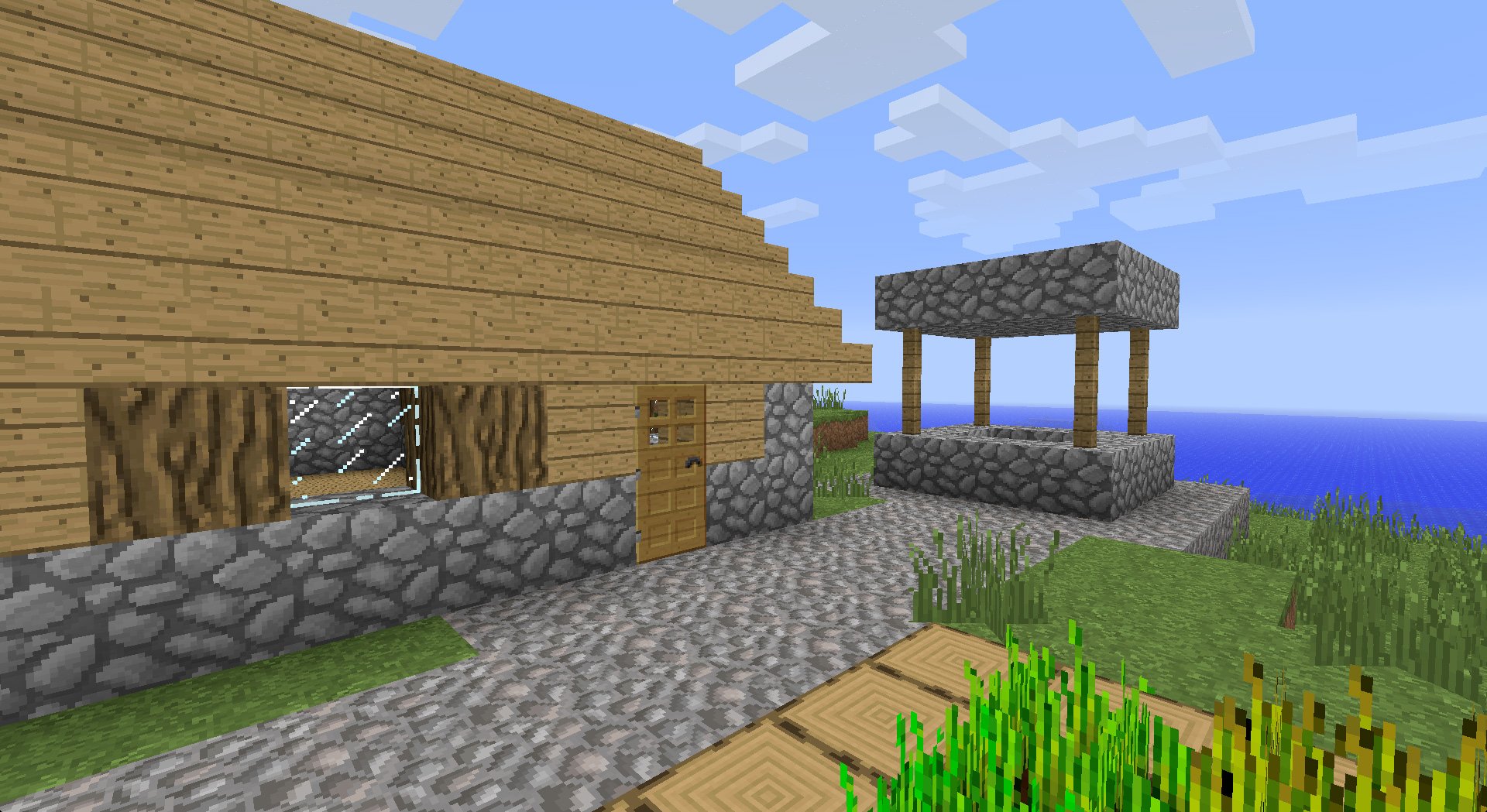
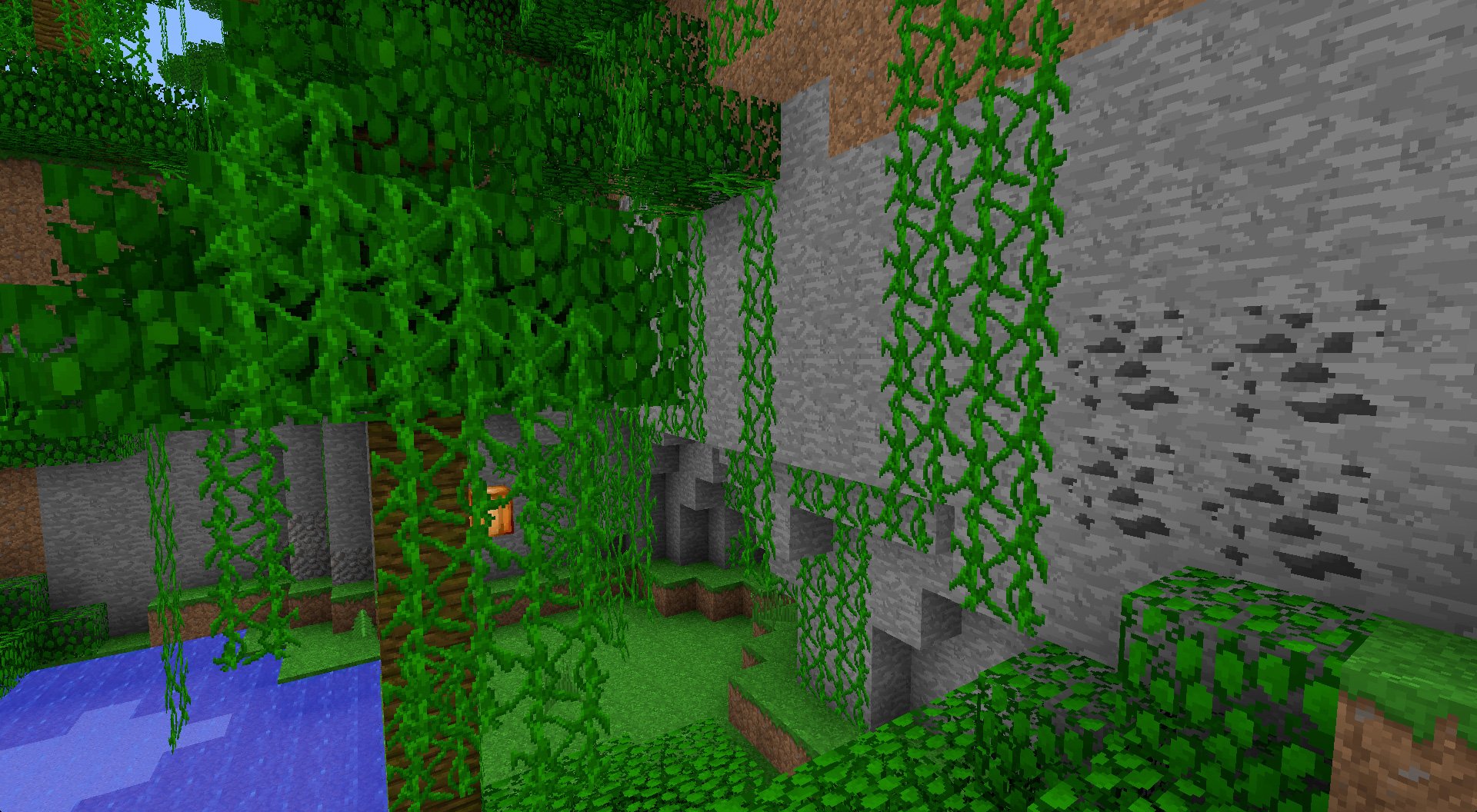
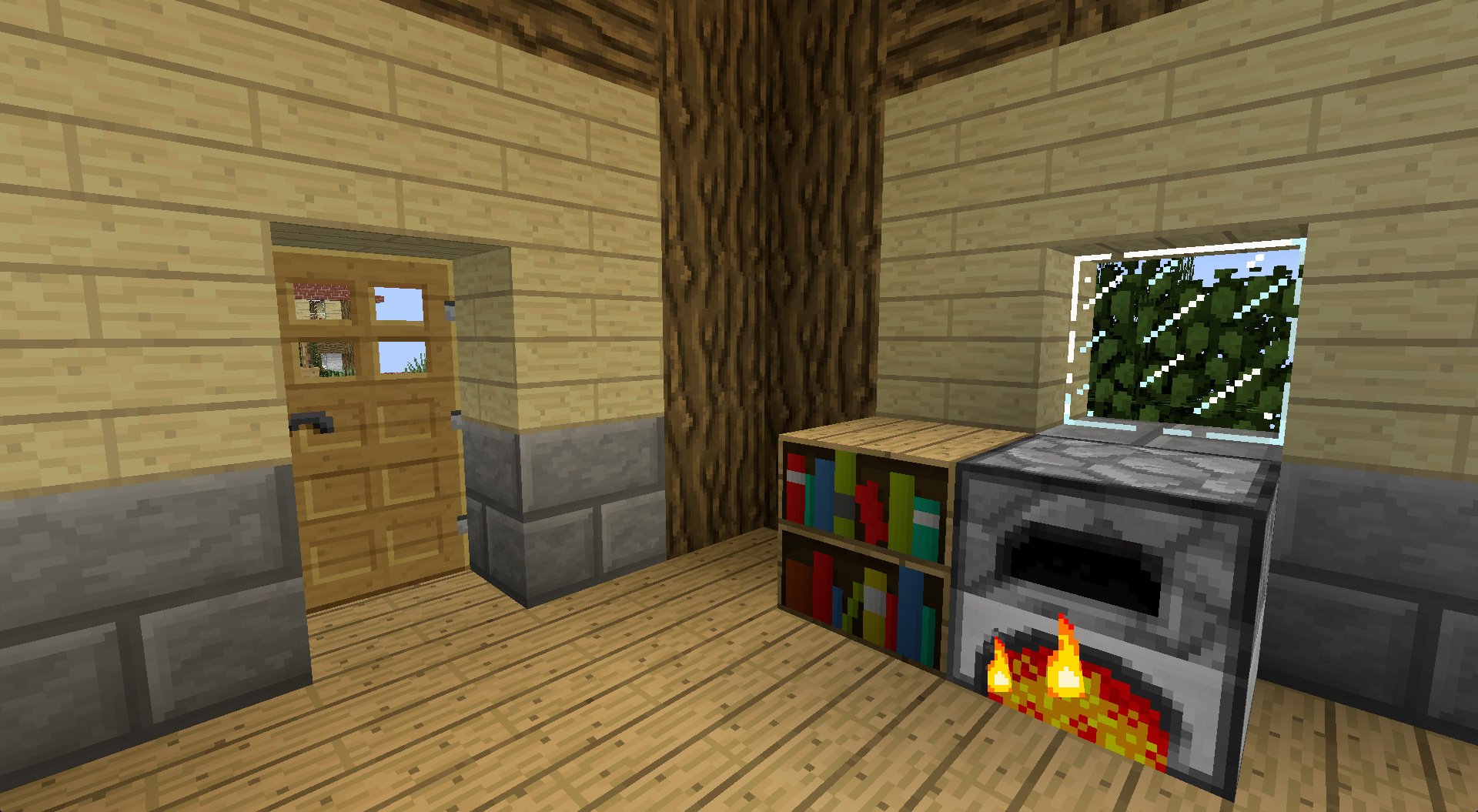
The Faithful resource pack for Minecraft is a high resolution texture pack with a simple goal; have high resolution textures that are different from the default textures in Minecraft while still resembling the vanilla textures. The mod also supports a wide range of mods so this is a good resource pack to use if you use mods and don't want to have odd looking mod textures meant to go with the vanilla resource pack alongside the new textures. Of course, not all mods are supported, but a whole lot are. Check out the screenshots and downloads below.
Downloads
Download Faithful for Minecraft 1.6.x - 1.7.x
Get Mod Support Packs for Faithful here
Get Unofficial Mod Support Packs for Faithful here
Monday, May 26, 2014
BaM's Grave for Minecraft 1.7
You might find yourself saying "Gah! I've died again, lost my items and most if my XP! Now I need to find all my items before they despawn." Anyone who has played Minecraft will know the feeling of much hard work being destroyed. Fortunately, there is a mod that helps alleviate the pain associated with dying in Minecraft. This mod is BaM's Grave mod. This mod makes it so that your items and XP will be stored in a chest after you die as long as you have at least two chests in your inventory. The graves will have a sign with your name and your time of death. This will prevent your items from getting lost or despawning.
Downloads
Download the latest version here
Do you need help installing mods? Read our guide to get help installing them.
Screenshots
Downloads
Download the latest version here
Do you need help installing mods? Read our guide to get help installing them.
Screenshots
Subscribe to:
Posts (Atom)